When the device has the proper apps and streaming capabilities, watching IPTV on a TV, laptop, or mobile phone can be easy. But not all devices are compatible with all IPTV services. Some devices require a separate app, others might require additional setup before being able to watch content. Understanding IPTV device compatibility is beneficial before selecting any IPTV service or installing your screen. A pre-check can save time, avoid setup issues, and ensure a smoother viewing experience.
This guide is designed to help you understand what to look out for, what devices might be compatible with IPTV, and how to prevent common problems.
An IPTV service is not always an IPTV application. The service is the software that lets you stream video, and the app is a piece of software that lets you play the video.
Your selected application should be compatible with your device’s operating system. This is an important part of IPTV app compatibility.
For example, an app available for Android phones may not be available for a Samsung television. Similarly, an app designed for Apple devices may not work on a Windows computer.
Before installing an app, check:
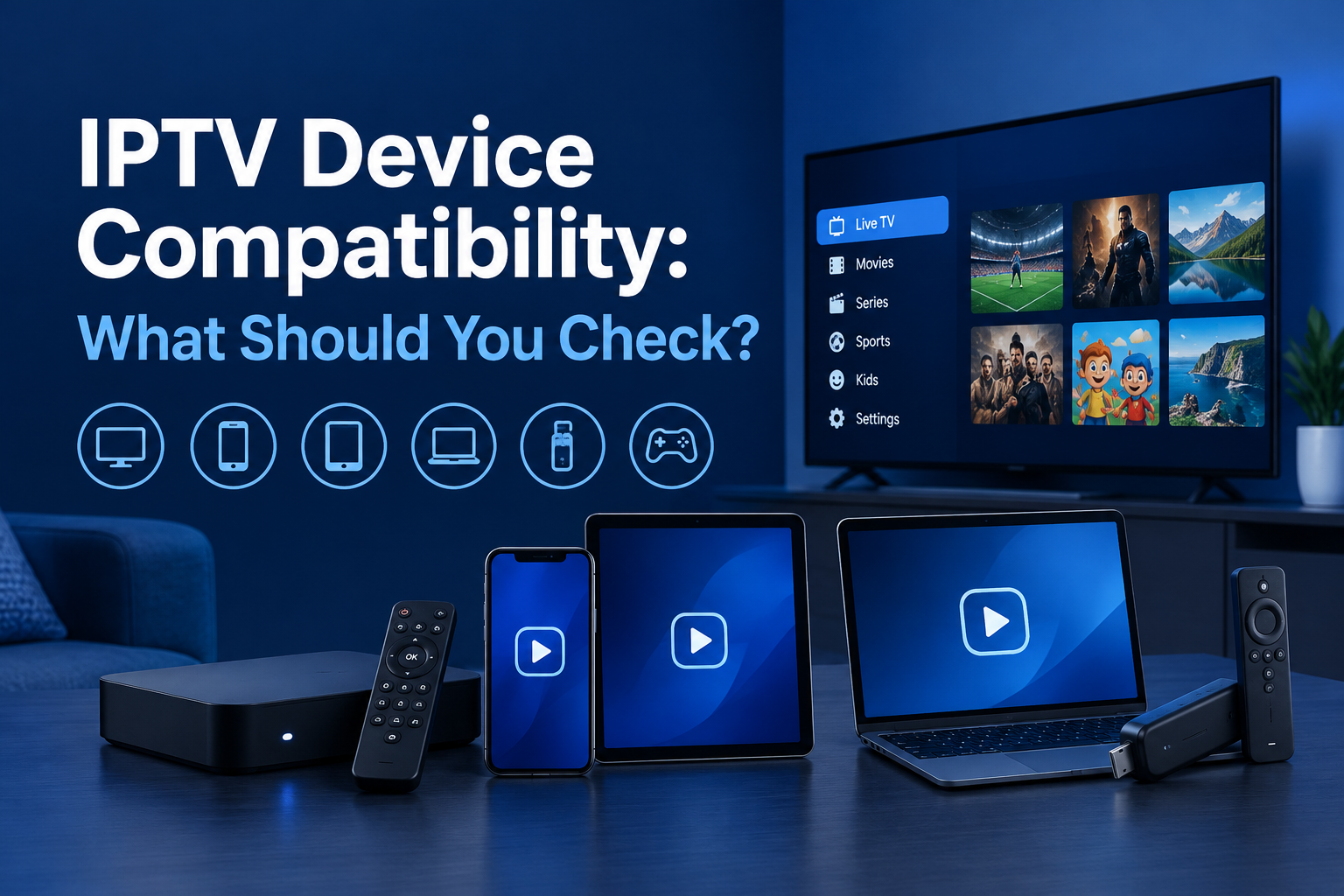
Although some IPTV applications might be available, it doesn’t mean that every Smart TV will have apps and internet access. Samsung and LG televisions are often running on their own operating systems. Android TV and Google TV devices have a separate app environment. This means that even if two televisions have similar capabilities, they may not support IPTV.
If the IPTV app you want is not supported by your TV, you might find it on a compatible streaming device.
For instance, a supported Fire TV stick or Android TV box can be plugged into the television via HDMI. You can then use an app supported by that streaming device.
Before buying additional hardware, check that:
While an external device can enhance the user experience of accessing the application, it does not resolve all streaming issues.
A poor internet connection, even if your device is IPTV compatible, can lead to buffering, freezing or poor picture quality. Your device should have a reliable connection through Wi-Fi or Ethernet, if available. Ethernet may be beneficial if the television is located far from the router or if the wireless signal is weak.
Internet speed requirements vary based on video quality, streaming format and the number of users sharing the connection simultaneously. If the video does not play back well, try using the device’s playback function. Your phone’s speed test might not accurately measure your television’s connection speed.
IPTV devices may support different video resolutions, such as SD, HD, Full HD, and 4K. But all streams don’t necessarily play at that resolution. These three are necessary for a good experience:
For instance, a 4K tv will play 4K video, but a lower-tech streaming box won’t. Similarly, a 4K device can also play lower-resolution streams, depending on what the source is streaming. If you primarily view on a mobile phone, you might be satisfied with HD. For a big TV, a higher resolution will make a difference if it is available for that TV.
Some older devices might have less storage or memory. This can impact the seamless operation of the IPTV app. Make sure your device has ample space for the IPTV app and updates before installing it. If your device can have trouble playing back, close the unused apps.
Software updates are also a critical consideration! An application might not install or run correctly if it is incompatible with the operating system. A simple maintenance routine will help:
These steps can help maintain IPTV device compatibility as apps and operating systems change.
The choice of the best device for IPTV will depend on the way you watch. A Smart TV may be convenient for family viewing in the living room. When travelling or away from home, a phone or tablet may be helpful. A computer might be better for someone who wants a bigger computer screen and keyboard. Think about these questions before choosing:
Addressing these needs can help you decide which IPTV device to use to meet your needs without spending money on unnecessary equipment.
Before you begin streaming, check out this short checklist:
The compatibility of IPTV devices goes beyond just being able to be installed. Viewing experience is affected by the operating system, the network connection, video format, and the performance of the device. A few minutes spent to verify these points can prevent some common setup issues and give you the most out of your current setup.
When researching an IPTV reseller panel, it is also helpful to learn about the devices your customers may use. Providing clear setup info and precise device requirements can help smooth the path for customers to install and troubleshoot. Always check technical requirements before you begin and select services and applications that meet your intended devices.
Message Us