A smooth and enjoyable viewing experience depends on more than having access to your favorite channels and shows. Internet speed, device performance, app settings, and service quality all play an important role. If you experience buffering, slow loading, or poor picture quality, a few simple changes can make a big difference.
Improving your IPTV streaming experience does not always require expensive equipment or a faster internet package. By choosing the right settings and keeping your devices updated, you can enjoy more stable playback and better picture quality.
In this guide, we will discuss practical ways to improve your IPTV streaming experience and get better results from your setup.
Your internet connection is one of the most important factors affecting IPTV streaming. Since video content is delivered through the internet, an unstable connection can cause buffering, freezing, and sudden drops in picture quality.
Start by checking your internet speed. Make sure your connection can handle the video quality you want to watch. HD and Full HD content generally need less bandwidth than 4K streaming.
Here are some useful tips:
Choose a stable broadband connection.
Check your internet speed regularly.
Avoid using too many devices on the same network.
Contact your internet provider if your connection drops frequently.
Consider a higher-speed package if your current connection cannot handle your household’s needs.
A stable connection helps your IPTV streaming service deliver content without frequent interruptions.
Wi-Fi is convenient, but it may not always provide the most stable connection. Walls, distance, and other electronic devices can affect wireless signals.
If your Smart TV or streaming device has an Ethernet port, connect it directly to your router using a network cable. A wired connection can reduce wireless interference and provide more consistent performance.
If you prefer Wi-Fi, try these simple steps:
Place your router in an open and central location.
Keep your streaming device closer to the router.
Avoid placing the router behind furniture.
Use the 5GHz Wi-Fi band when available and within good range.
Restart your router occasionally.
These small changes can help improve your IPTV viewing experience, especially when watching live channels or high-quality content.
Your choice of player can also affect how smoothly content runs. A good IPTV streaming player should be easy to use, support your device, and provide useful playback settings.
Different players offer different features. Some support playlists, electronic program guides (EPG), subtitles, and multiple video formats. Others provide options to adjust video quality and manage favorite channels.
When selecting a player, consider the following:
Make sure it supports your device.
Check whether it supports HD and 4K playback.
Choose an app with simple navigation.
Look for regular updates and bug fixes.
Check whether it supports the playlist format provided by your service.
Also, remember that a player does not provide channels by itself. You need a compatible service and valid access details to watch content.
Outdated software can cause several problems, including slow performance, app crashes, and playback errors. Keeping your device updated helps it work properly with newer applications and streaming features.
Whether you use an Android TV, Fire TV Stick, Smart TV, or another compatible device, check for available system updates.
You should also update your IPTV applications whenever a new version becomes available.
Here are a few maintenance tips:
Install available device software updates.
Update your IPTV streaming player.
Remove apps that you no longer use.
Restart your device from time to time.
Check available storage space.
Regular maintenance can help prevent common technical problems and keep your IPTV streaming setup running smoothly.
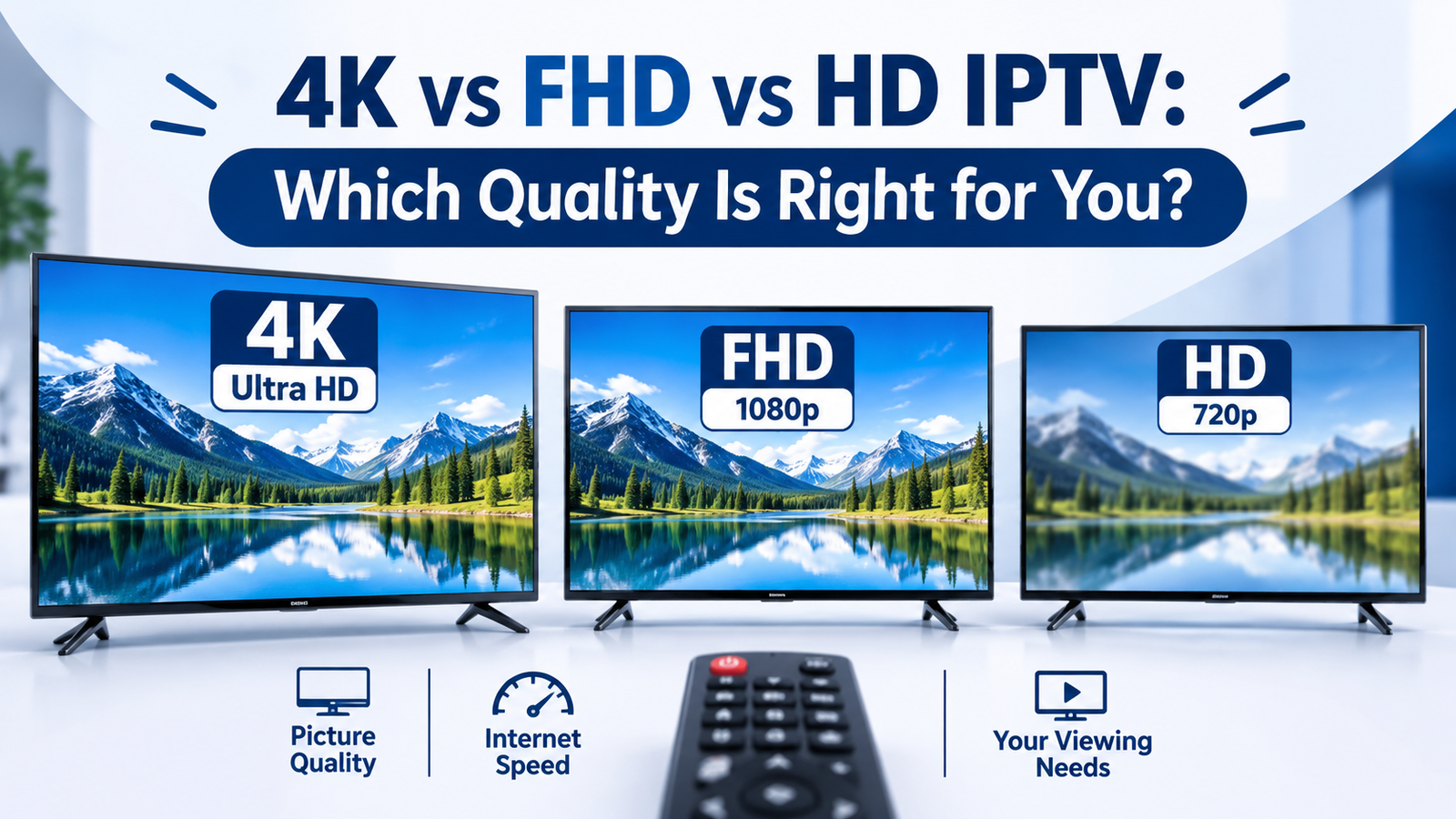
Not every internet connection can handle the same video quality. Watching 4K content on a weak connection may result in buffering or interruptions.
Most streaming players allow users to adjust video quality. If your connection is unstable, try lowering the resolution from 4K to Full HD or HD.
You can also check whether your player offers automatic quality settings. This feature may adjust playback quality according to available network conditions.
For the best results, consider these points:
Use 4K when your internet and device support it.
Choose Full HD for a balance between quality and performance.
Use HD when your connection is limited.
Avoid forcing high-quality playback on an unstable network.
Choosing suitable settings can improve IPTV playback without putting unnecessary pressure on your internet connection.
Many devices run applications in the background even when you are not using them. These apps may consume memory, processing power, or internet bandwidth.
Large downloads, software updates, online games, and other video streams can also compete for your available connection.
Before starting a streaming session, close unnecessary applications and pause large downloads.
If several people in your home use the same internet connection, try to manage heavy internet activities during important viewing times.
This simple habit can free up resources and help your IPTV streaming service perform more consistently.
Over time, streaming applications may collect temporary files and cached data. Too much stored data can sometimes affect app performance.
If your player becomes slow or starts behaving unexpectedly, clearing its cache may help.
You can usually find this option in your device settings under Apps or Application Management.
Follow these basic steps:
Open your device settings.
Go to the Apps section.
Select your IPTV streaming player.
Find the storage options.
Choose Clear Cache.
Restart the application.
Avoid selecting Clear Data unless you are ready to set up the application again, as this may remove saved preferences and login details.
Keeping enough free storage space also helps your device perform better.
Your internet connection and device are important, but the quality of the service also matters.
A reliable IPTV streaming service should provide stable access, properly working channels, and support when technical problems occur.
Before choosing a provider, consider its available features, device compatibility, streaming quality, and customer support.
You should also check whether the service offers the content and resolution options you need.
If a particular channel keeps freezing while other channels work normally, the problem may be related to that stream rather than your internet connection.
Trying another channel or content category can help you identify the issue.
Sometimes, a simple restart can solve temporary technical problems. Routers and streaming devices can experience minor software or connection issues after running for long periods.
If you notice repeated buffering, try restarting both devices.
First, close your streaming application. Then restart your TV or streaming device. You can also unplug your router for around 30 seconds before reconnecting it.
Wait until the internet connection becomes active again and test your stream.
If the problem continues, check whether other online services are working. This can help you understand whether the issue is related to your device, internet connection, or streaming service.
Not every device provides the same performance. Older devices may struggle with high-resolution video, especially when they have limited memory or processing power.
Before using a device for IPTV streaming, check its hardware and software compatibility.
Modern Smart TVs, Android TV boxes, and Fire TV devices can offer a convenient viewing experience when they support your chosen player and video formats.
Also, make sure your display supports the resolution you want to watch. A 4K stream cannot provide its full visual benefit on a screen that does not support 4K resolution.
Choosing compatible equipment helps you enjoy better picture quality and smoother playback.
Improving your IPTV streaming experience is possible with a few practical changes. A stable internet connection, suitable streaming player, updated device, and correct video settings can all make a noticeable difference.
You should also pay attention to app maintenance, available storage, and the quality of your streaming service. When problems occur, test different channels and devices to find the actual cause instead of changing everything at once.
At Smart4K IPTV Panel, we understand the importance of reliable streaming and easy content management. Whether you are exploring IPTV options or managing customer subscriptions, choosing the right setup and maintaining your devices can help create a better experience.
Take these steps today and enjoy a smoother and more comfortable IPTV viewing experience.
Message Us